Student practice path
Practice for your next exam with clarity.
Find available study material, then practise in a focused timed flow. Review your result and decide what to study next.
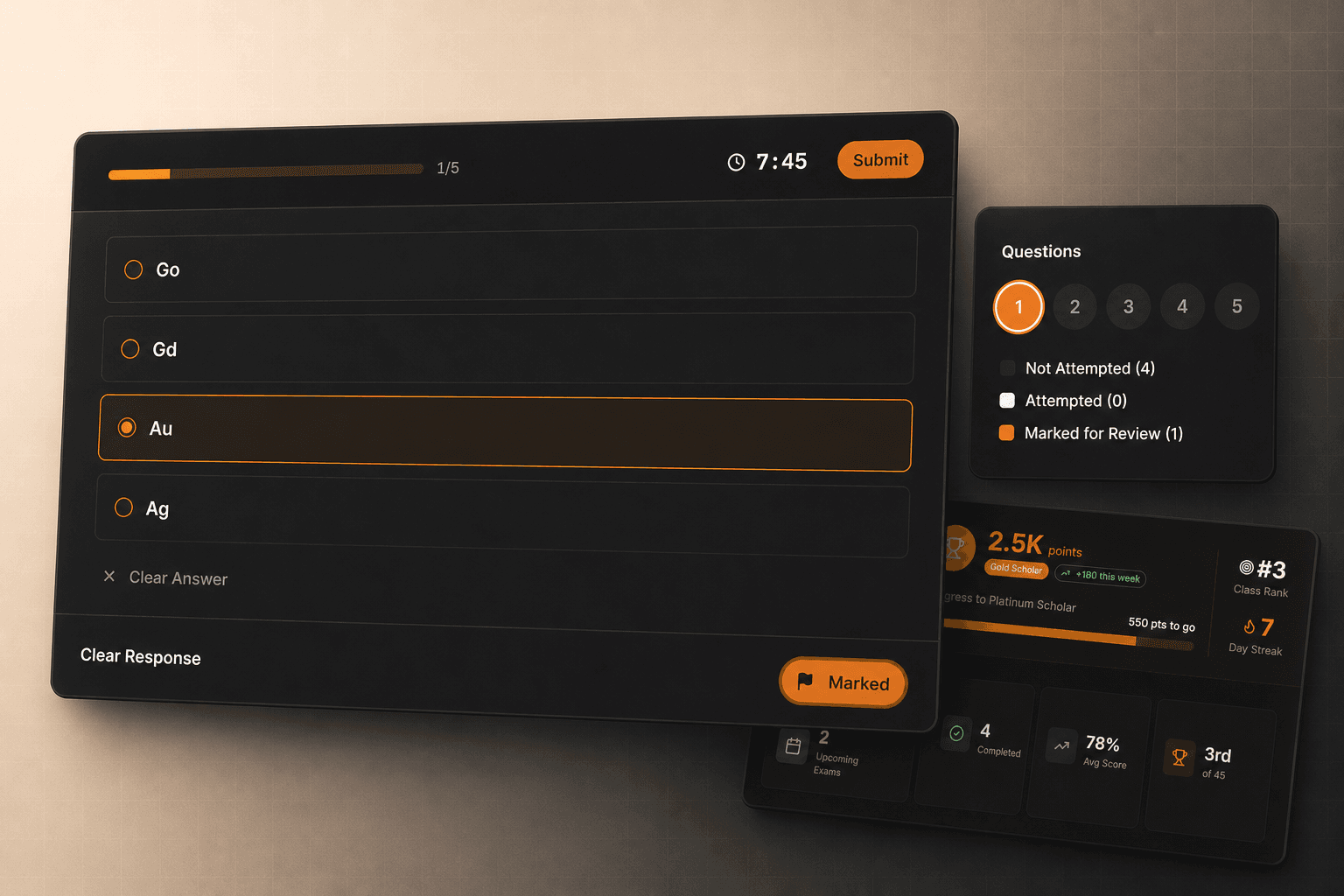
Demo preview · Sample data demonstrates the interface only.
Discover, practise, and review in three clear steps.
Discover the material, practise in a timed flow, then review the result and choose the next topic. The sequence makes the next action obvious without promising an outcome.
Discover
Find the class, subject, or chapter you need.
Practise
Move through a focused timed test and save your answers.
Review
Use the result and weak areas to choose what comes next.
Discover
Find the right material for your next session.
Start with the class, subject, or chapter you need. Show only published material that is available in the current catalog.
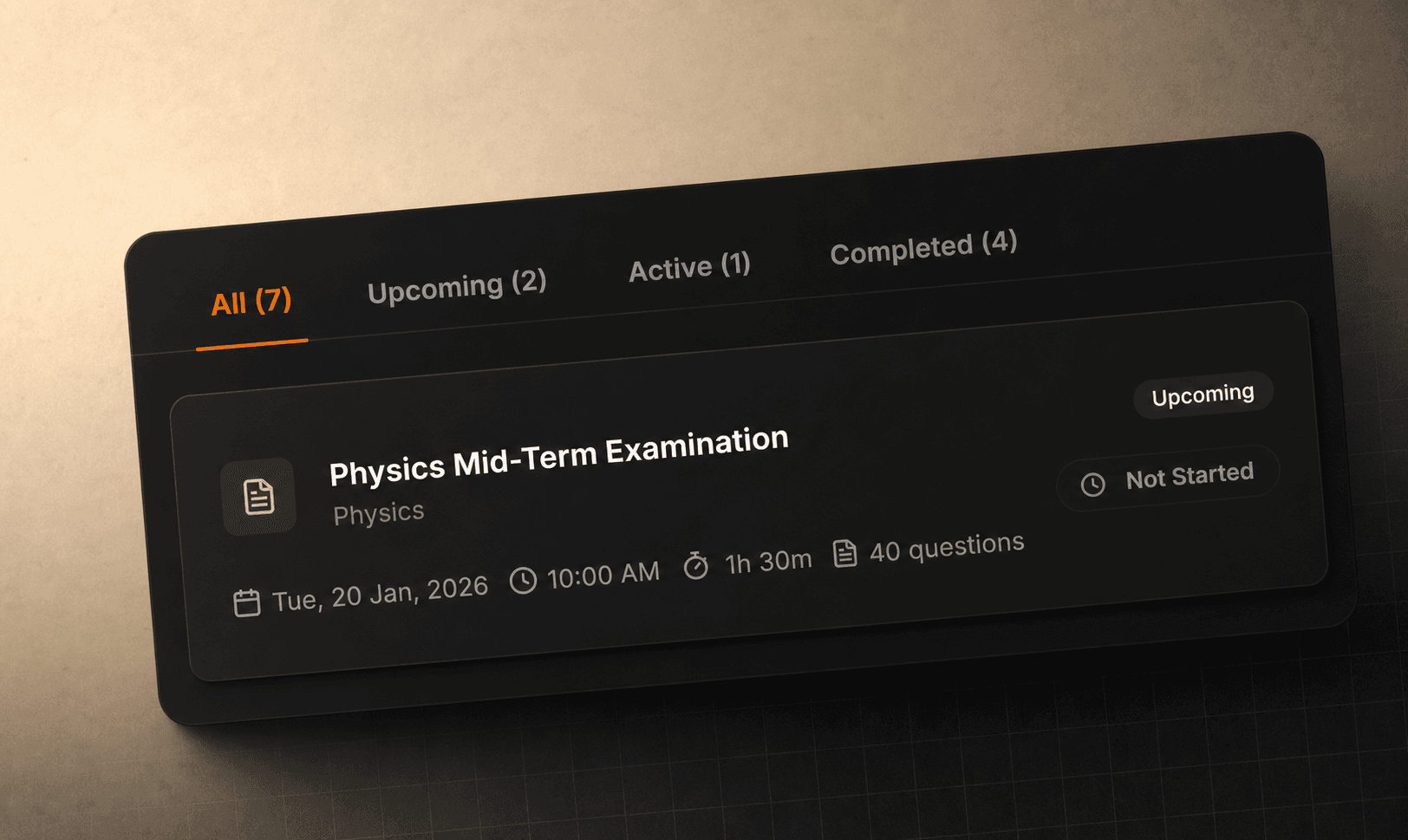
Demo preview · Sample data demonstrates the interface only.
Find the right material
Start with the class and chapter you need.
Browse published tests and materials by subject and chapter when the catalog is available.
Open demo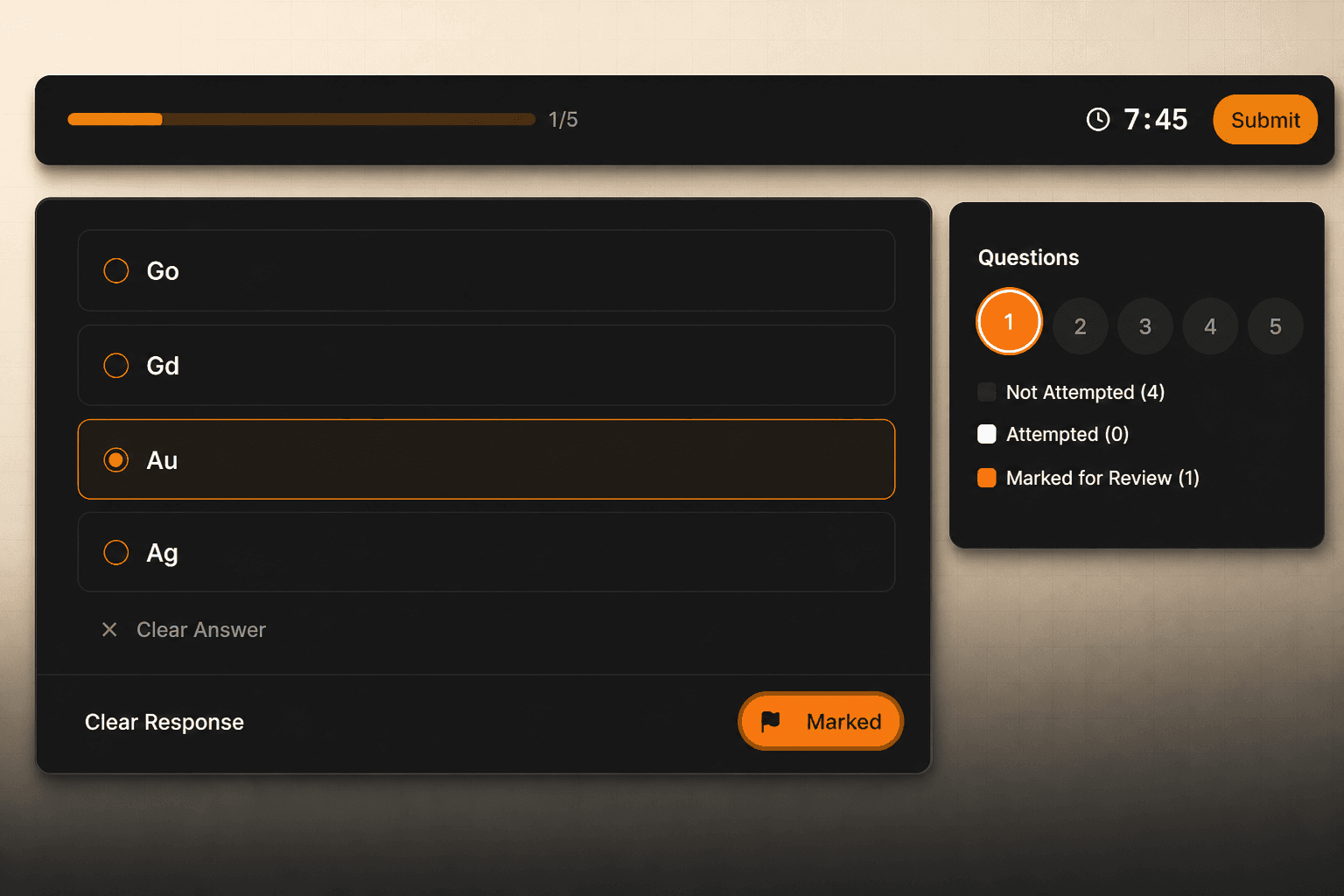
Demo preview · Sample data demonstrates the interface only.
Take a timed test in a clean exam screen.
Move through questions, save answers, mark a question for review, and submit when ready. A public demo shows the interface with sample data.
Try timed exam demoUse every result to choose what comes next.
Review answers and weak areas before opening another practice resource. Account-based results and saved attempts must be described only where the learner capability is enabled.
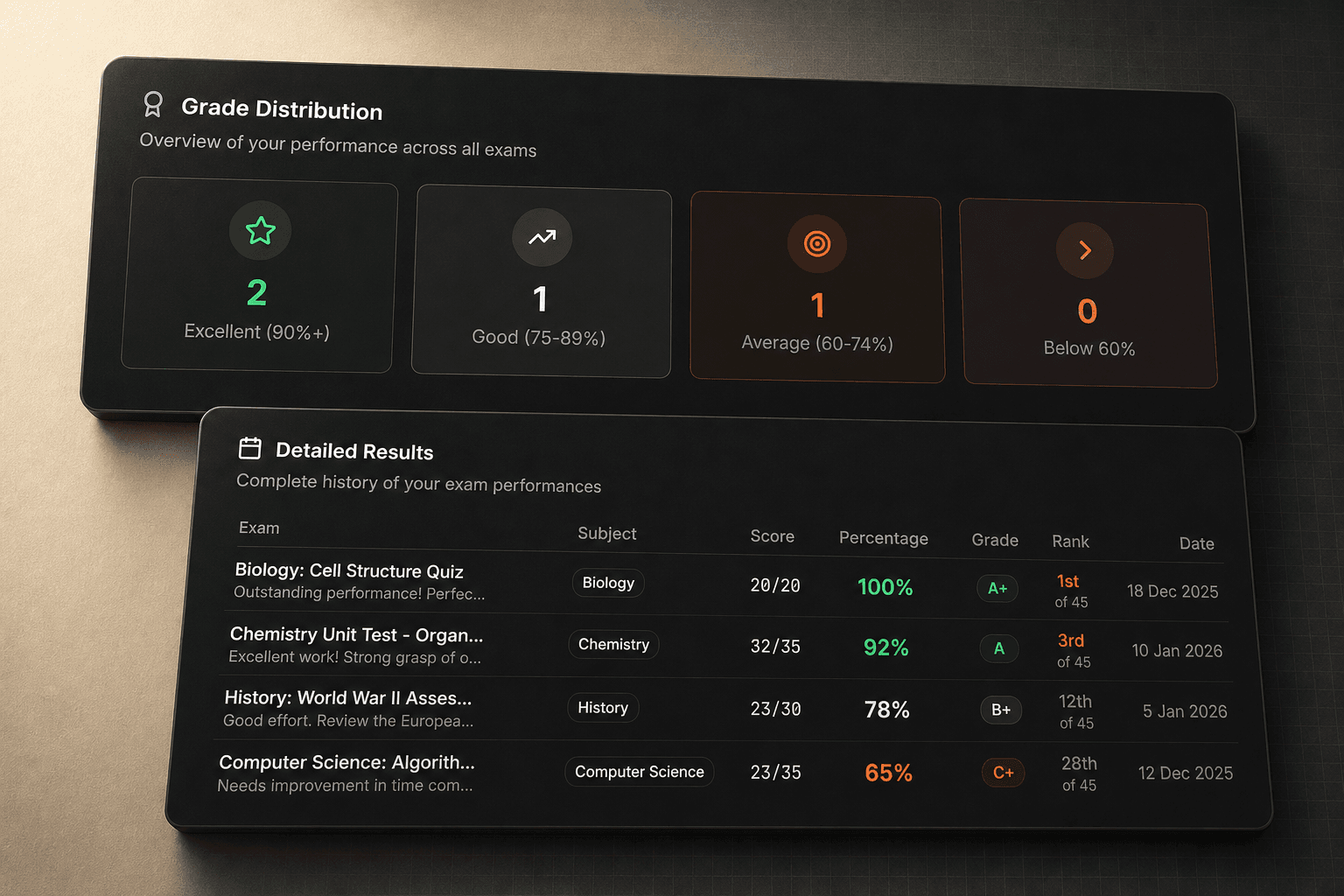
Demo preview · Sample data demonstrates the interface only.
See the student experience with sample data.
Open a timed attempt, homework-style exercise, or student portal view before deciding what you need. Demo data demonstrates the interface only and is not a student score or Acadx performance claim.
Clear answers before you start your next practice.
Know what is public, what needs an account, and what the demos contain.
Start with the practice step that fits.
Browse available published material when enabled, or try the timed exam demo first.